I’ve spent more than eight years building websites for clients, almost all of it on a laptop. And if you work the same way, you probably know the routine: a fine morning, a slightly stiff neck by lunch, and by evening you’re rolling your shoulders and wondering when your wrists started complaining about a normal day of email.
For digital nomads it’s worse. Every week brings a new table, a new chair and a new set of compromises. You adjust to the furniture instead of the furniture adjusting to you, and your body quietly keeps score.
The problem isn’t you. It’s the laptop. The screen and keyboard are stuck together, so you can’t put both where your body wants them. Get the keyboard right and you’re staring down at the screen. Lift the screen and suddenly you’re typing with your shoulders up by your ears.
At home you’d solve this with a desk, a monitor and a proper chair. On the road you get whatever the host bought from IKEA in 2017. So the fix has to live in your bag. After researching a lot of travel gear for WorthCheckr, I’m convinced you can rebuild most of a good desk setup with kit that weighs about as much as a pair of trainers.
First, the numbers worth remembering
Ergonomics advice online goes deep fast. You don’t need all of it. These few measurements do the heavy lifting, and every bit of gear later in this post exists to hit one of them.
Screen height. OSHA says the top of your screen should be at or a little below eye level. That puts the middle of the screen about 15 to 20 degrees below where you look straight ahead. A laptop flat on a table usually sits way under that. Your neck makes up the difference.
Screen distance. OSHA suggests 20 to 40 inches (roughly 50 to 100 cm) from your eyes to the screen. A quick test: sit back, stretch your arm out. If your fingertips touch the screen, you’re about right.
Elbows. Keep them near your sides, bent somewhere around 90 to 110 degrees, forearms close to flat. If your hands climb up to reach the keys, the surface is too high for you.
Keyboard height and tilt. The keyboard should be at or just under elbow height with your shoulders relaxed. Cornell University’s ergonomics guide goes further and recommends a slight negative tilt, so the far edge of the keyboard sits a touch lower than the near edge. It keeps your wrists straight. Most of us do the opposite and flip those little feet out.
Feet. On the floor, or on something solid. Not dangling.
One more, for your eyes. The 20-20-20 rule, which the American Academy of Ophthalmology recommends: every 20 minutes, look at something 20 feet away for 20 seconds. On the road this is easy. There’s usually a window.
What actually goes in the bag
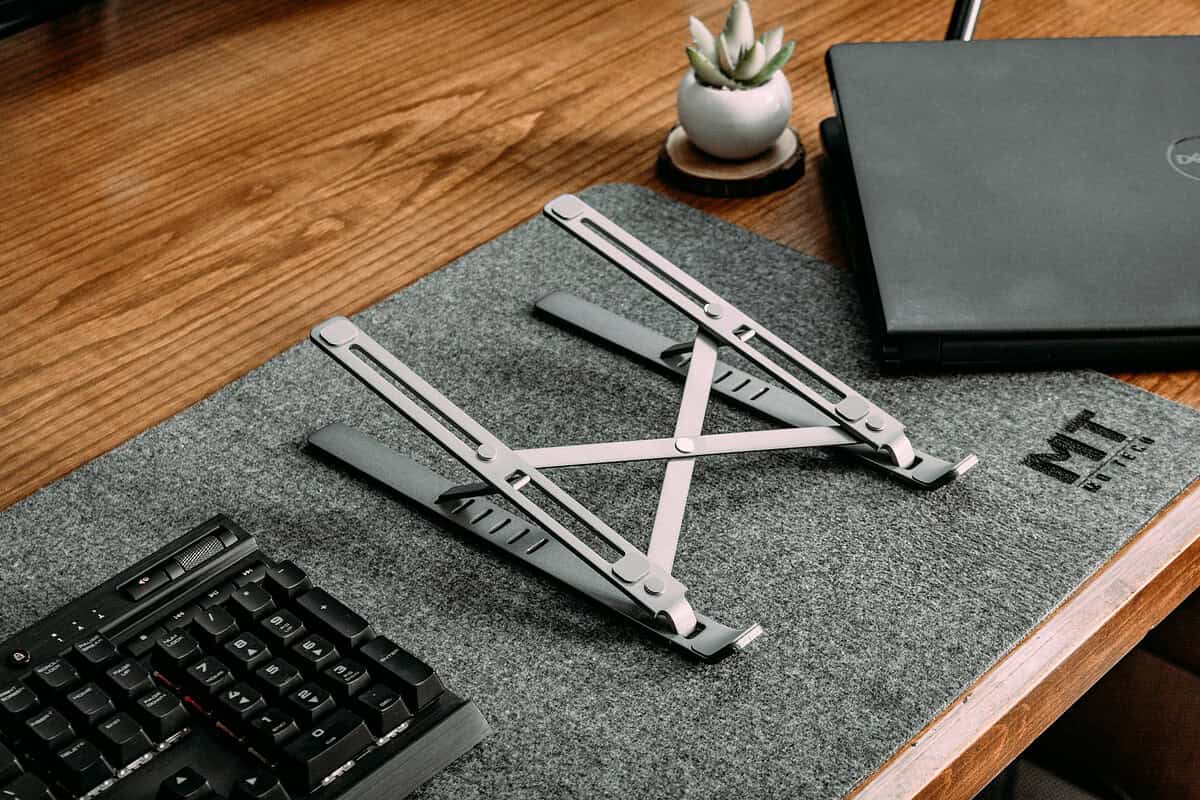
A folding laptop stand
If you only buy one thing, buy this. A decent stand lifts the screen six to ten inches, and that alone fixes most of the neck problem.
What to look for: aluminium or solid plastic, folds flat, under 300 g, a few height settings, and no wobble when you tap the screen. Avoid the cheap angled trays that tilt the laptop a few degrees and call it ergonomic. They don’t lift it nearly enough.
A compact keyboard
Once the laptop is up on a stand, you can’t type on it anymore. You need a separate keyboard. For travel, a 60% or 65% Bluetooth board, or a slim tenkeyless one, is the sweet spot. Low-profile keys are kinder on long days and don’t add height on a table that’s already too tall.
Two things I’d insist on: USB-C charging, so it shares a cable with everything else, and multi-device pairing, so you can flip between laptop and tablet.
A small mouse
Trackpads are fine for ten minutes. For a full day, a mouse lets your arm rest at your side instead of reaching forward. Travel mice weigh under 100 g. If your wrist already complains, try a vertical mini mouse. It holds your hand in a handshake position, and a lot of people with wrist pain swear by it.
Whatever you pick, buy all three before the trip and use them at home for a week. Small annoyances show up fast, like a keyboard that’s louder than you expected or a stand that wobbles on soft surfaces. It’s much easier to swap something out before you leave than from a rental in another country.
A portable monitor (if your work needs it)
This one’s optional. But if you live in spreadsheets, code or design files, a 13 to 15.6-inch USB-C monitor changes how a workday feels. Most weigh 600 to 900 g and slide into the laptop sleeve.
The trick is where you put it. Prop the monitor straight in front of you at eye level, on its folding cover or a couple of books, and push the laptop off to the side as a second screen. Your main work now happens on the screen that’s at the right height.
The little stuff
- One short USB-C cable and a compact multi-port charger, so a single plug runs everything
- A thin foldable cushion or an inflatable lumbar pillow
- A small pouch so cables don’t vanish into the bottom of the bag
Making a bad rental desk work
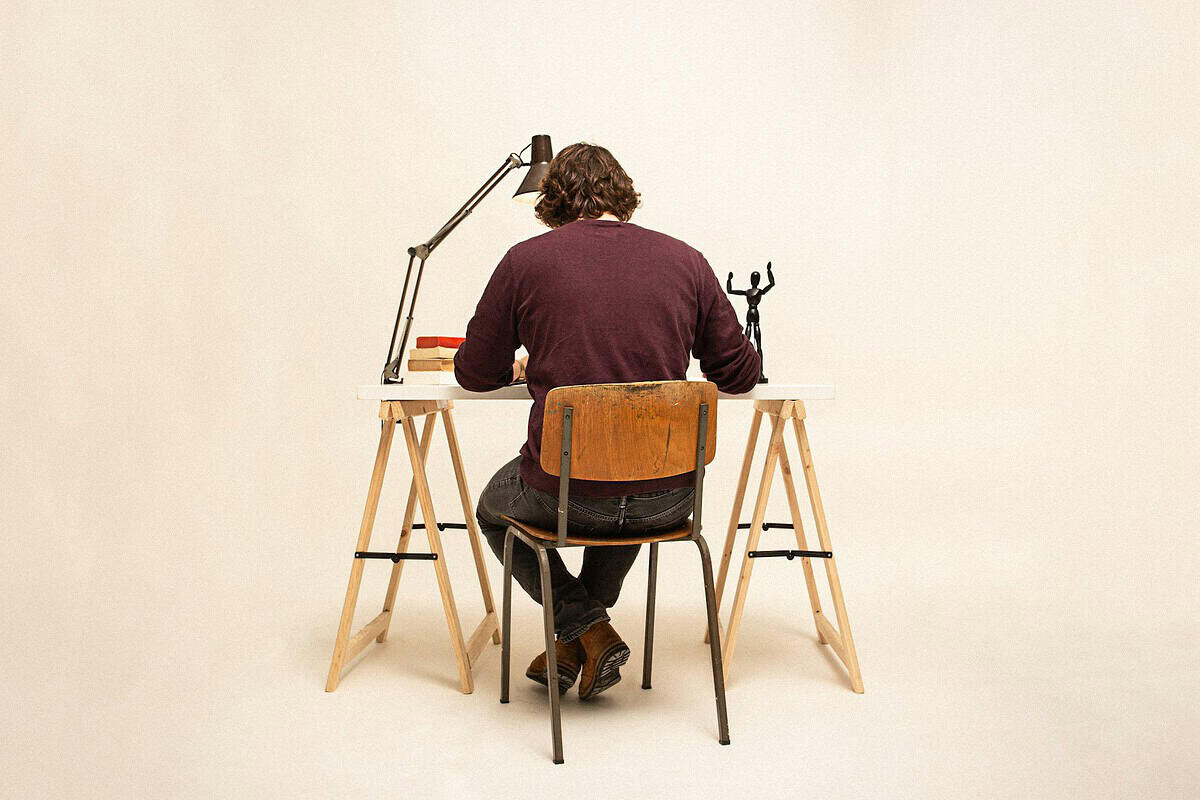
The gear gets you most of the way. The rest is improvising with whatever the room gives you.
The table is too high. This is the most common one. Dining tables are often 28 to 30 inches tall, which is a bit high for typing for most people. Don’t try to lower the table. Raise yourself. Sit on a folded towel, a firm cushion or a sofa pillow until your elbows are level with the keys. If your feet now dangle, put your backpack or a suitcase lying flat under them.
The chair is too low or too squishy. Same idea. Towel or cushion on the seat. Roll up a hoodie and wedge it behind your lower back for support.
There’s no usable chair. Use the kitchen counter as a standing desk. Counters tend to be around 36 inches high, which works for a lot of people standing. Keyboard on the counter, screen up on the stand. Stand for an hour, sit for an hour. Moving between positions is half the point.
You’re on the bed or sofa. Try not to make this a habit. If you have to, sit upright against the headboard with pillows behind you, put the stand on something firm like a tray or a hardback book, and keep the keyboard on your lap.
The café table is tiny. Leave the monitor in the bag. Stand plus keyboard is enough. Even a 30-minute session is better with your screen up and your shoulders down.
Notice the pattern in all of these. You’re adjusting two things separately: your body’s height relative to the keyboard, and the screen’s height relative to your eyes. A laptop alone can’t do both. A stand plus a separate keyboard can, on almost any surface.

What it weighs and what it costs
Rough ranges below. Prices move around a lot by brand and country, so treat these as ballpark.
Item | Weight | Price (USD) |
Folding laptop stand | 150–300 g | $25–60 |
Compact Bluetooth keyboard | 300–500 g | $30–90 |
Travel mouse | 60–100 g | $20–50 |
Portable monitor (13–15.6″) | 600–900 g | $100–250 |
Charger, cable, cushion, pouch | 200–400 g | $30–60 |
Total with monitor | about 1.3–2.3 kg | about $205–510 |
Total without monitor | about 0.7–1.4 kg | about $105–260 |
The full kit weighs roughly what a second laptop does. If your airline is strict on carry-on weight, skip the monitor at first. The stand, keyboard and mouse handle the biggest problems for around a kilo.
The packing checklist
- Laptop stand, folded, inside the laptop sleeve
- Keyboard, charged
- Mouse, charged or with a spare battery
- Portable monitor and its cover
- USB-C cables and the charger
- Plug adapter for wherever you’re going
- Seat cushion or lumbar pillow
- Cable pouch
- Optional: a laptop lock for coworking spaces
Five minutes every time you land somewhere new
Before your first work session in a new place, run through this:
- Pick the steadiest surface near a window. Keep the window beside you, not behind the screen, or you’ll fight glare all day.
- Put the laptop or monitor on the stand so the top of the screen is at eye level.
- Set the keyboard and mouse so your elbows land around 90 to 110 degrees.
- Fix your seat height with cushions or towels, and give your feet something to rest on.
- Sit back, stretch out your arm, check the distance.
Then set a timer to get up every 30 to 60 minutes. No setup is perfect. Honestly, the best posture is just your next one.
The short version
You can’t choose the desk in your next Airbnb. You can choose what’s in your bag. A folding stand, a compact keyboard and a small mouse cost less than a couple of physio sessions, and they turn almost any table into something you can actually work at. Add a portable monitor if your work calls for it, remember the handful of numbers above, and your neck will be a lot happier by month three.
Sources: OSHA eTool: Computer Workstations, Monitors · Cornell University Ergonomics Web · American Academy of Ophthalmology (20-20-20 rule)
No Comment! Be the first one.