If your study sessions keep collapsing — mind drifting, tabs multiplying, half an hour gone and you’ve absorbed nothing — your environment is more responsible than your willpower.
Not your attention span. Not your intelligence. Your desk.
There’s decades of cognitive science explaining exactly why this happens. And the fix, once you understand it, is less complicated than most people expect. It comes down to building a genuine low-stimulus desk setup — a workspace that stops competing with your brain, so your brain can actually do its job.
What Is a Low-Stimulus Desk Setup?
A low-stimulus desk setup is a workspace deliberately designed to reduce sensory and visual interference — clearing the path for your working memory to operate at capacity.
The concept is rooted in Cognitive Load Theory, developed by educational psychologist John Sweller. The core principle: working memory has a hard ceiling. Every unrelated item in your visual field — a sticky note, an unread notification, a pile of books you’re not currently using — draws a small but real tax from that capacity. By the time your desk is cluttered with objects and your screen is covered in open tabs, you’re learning on fumes before you’ve read a paragraph.
A low-stimulus desk setup isn’t minimalism for aesthetic reasons. It’s a functional decision about how many things are allowed to compete with your concentration at once.
The Research That Changed How We Think About Study Spaces
In 2014, a Carnegie Mellon University team led by Dr. Anna Fisher tested what happens when children learn in decorated versus sparse classroom environments. Students in heavily decorated rooms spent more time off-task, retained less information, and showed measurably smaller learning gains. The surprising part? The distracting elements were ordinary classroom items — number lines, charts, seasonal posters — nothing extreme.
The finding applies to adults, too. A crowded visual field reduces working memory performance and sustained attention scores. The brain keeps scanning the environment instead of settling into the material. That scanning isn’t neutral — it consumes exactly the cognitive bandwidth you need.
A follow-up point that most people miss: the brain doesn’t fully habituate to visual clutter. Even after repeated exposure to the same cluttered space, attention scores remain suppressed. The environment keeps pulling. This is why a low-stimulus desk setup isn’t just tidying up once. It’s a permanent design decision.
6 Elements of an Effective Low-Stimulus Desk Setup
1. Clear Your Primary Visual Field First
Your primary visual field is everything visible without moving your head. It’s where stimulus damage is most acute.
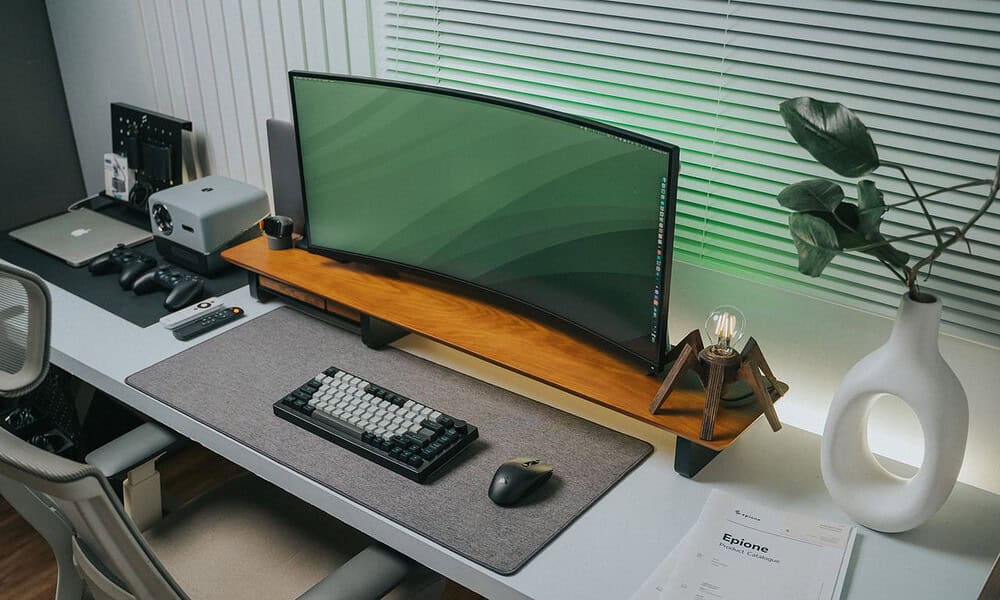
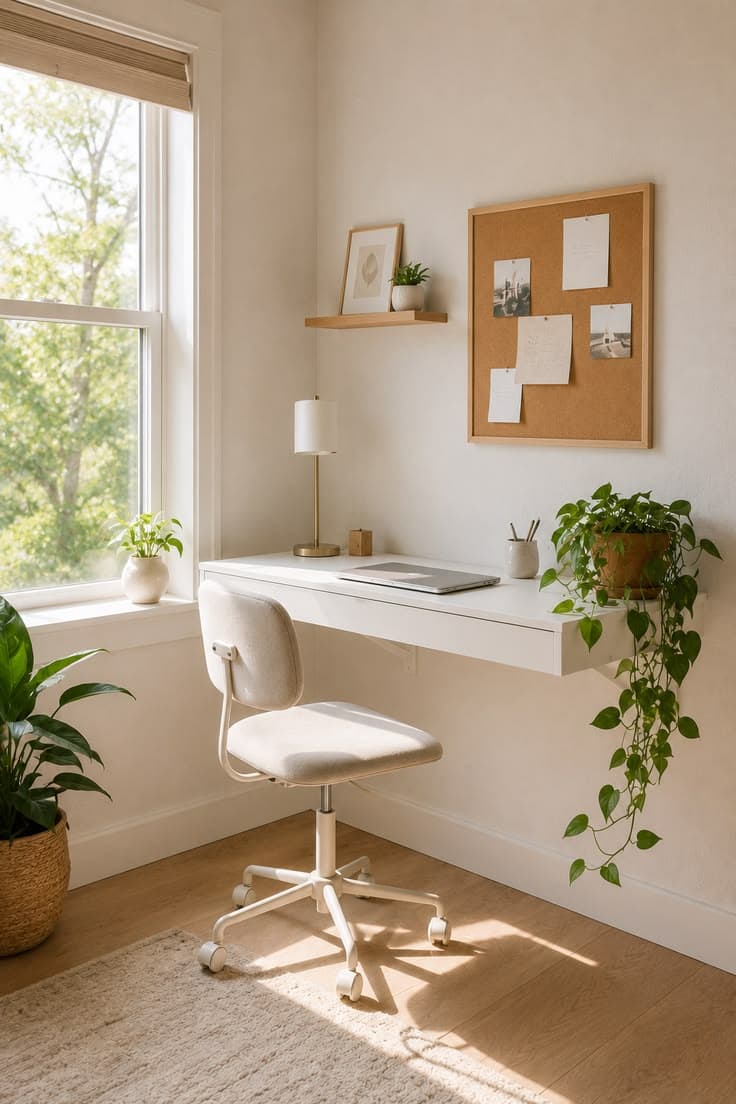
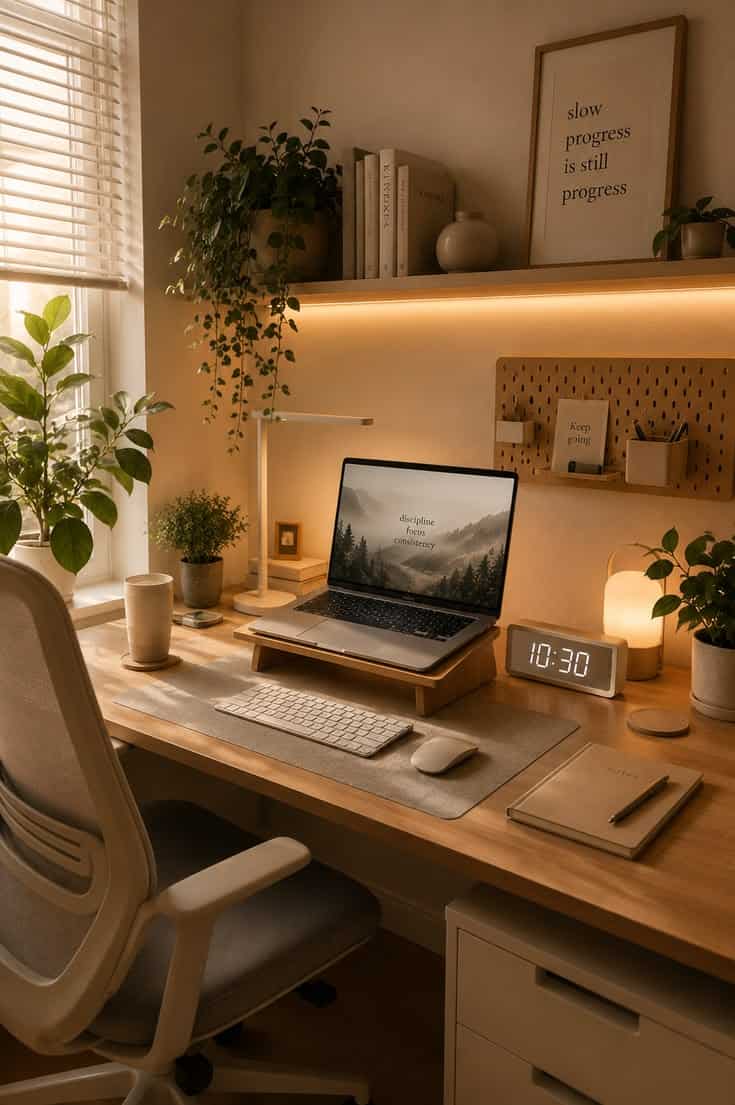
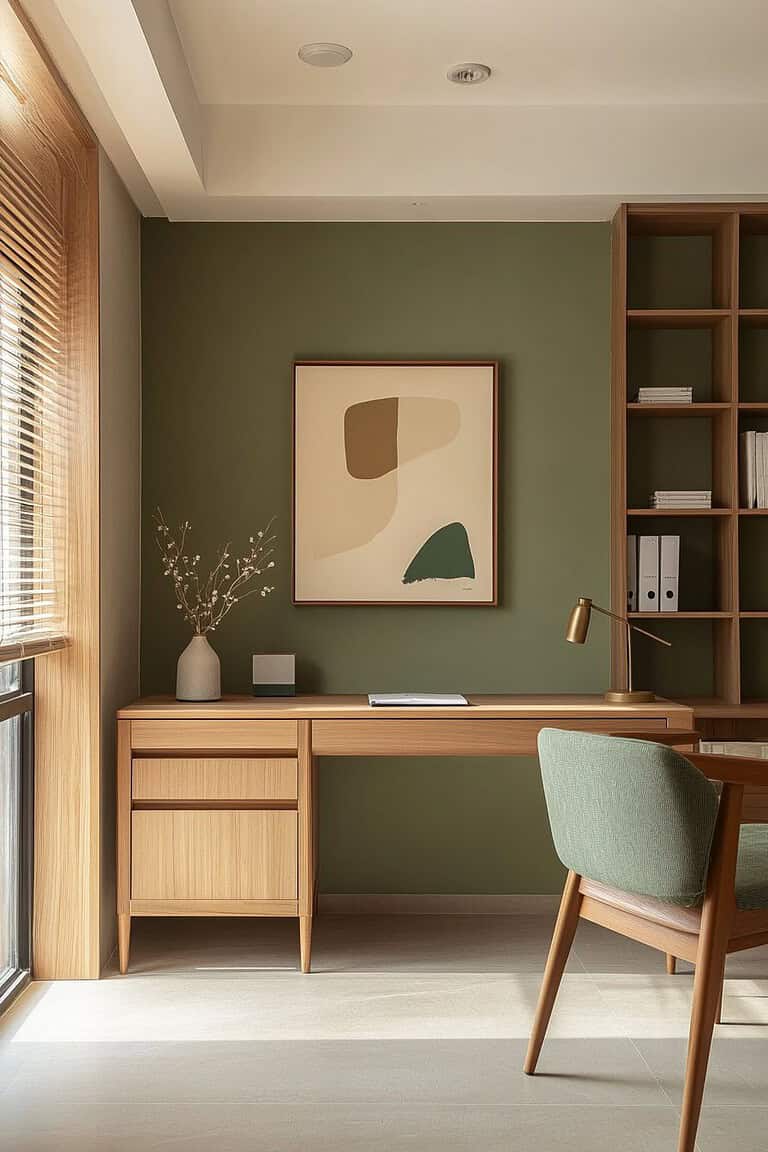
Remove everything not directly involved in today’s work — decorative items, unrelated books, notebooks you’re not using, anything with text on it that isn’t your current material. A monitor, a lamp, and maybe one small plant is a reasonable end state for most people.
The single plant is worth keeping. Research on biophilic design suggests one natural element in peripheral vision can reduce cortisol without adding attentional competition. One plant works. Five creates exactly the kind of multi-object visual field you’re trying to avoid.
2. Control Lighting — Color Temperature Matters More Than Brightness
Most people keep whatever ambient room lighting came with their space. That’s a mistake.
Cool-white light (5000–6500K) is associated with alertness and better task performance during daytime learning hours. Warm, amber-toned light feels comfortable, but it activates your wind-down circadian response. That’s useful at 10 p.m. It works against you at 2 p.m. when you’re studying for an exam.
Position your light to the side rather than overhead to reduce screen glare. If you use a desk lamp, get one with adjustable color temperature. Slightly cool during active study, slightly warmer for reading-only sessions.
3. Manage Auditory Stimulus With Intention
A low-stimulus desk setup doesn’t require silence. It requires predictability.
Unpredictable noise — a conversation nearby, a notification ping, the TV in another room — is far more damaging to focus than steady ambient sound. Unpredictability forces your brain to monitor the environment for what might come next, rather than staying on your material. This is the same neural mechanism that makes jump scares in films so effective — the threat of surprise consumes attention.
Options that hold up well for most learners:
White, brown, or pink noise at low volume
Lo-fi instrumental music with no lyrics (lyrics directly compete with reading comprehension)
Noise-cancelling headphones worn even without audio, as a “focus mode” cue for your nervous system
If silence is broken unpredictably in your environment, low-level ambient sound gives your brain something stable to filter. That predictability matters as much as the volume.
Pair this with a consistent wind-down ritual after study sessions. Even simple stress management Techniques like a two-minute breathing practice before and after deep work blocks help regulate the nervous system so it can shift states more cleanly.
4. Remove Digital Stimuli From Your Sightline
A phone face-up on your desk is a focus drain — not only when it lights up, but all the time.
A 2017 University of Texas study found that cognitive capacity was measurably lower when participants’ phones were face-down on the desk versus in another room entirely. Just knowing the device could notify you creates a low-grade attentional pull the researchers called “the mere presence effect.” Your brain allocates background resources to monitor it whether you want it to or not.
For a properly functioning low-stimulus desk setup:
Phone in a drawer or another room during study blocks
All browser notifications disabled
Only tabs directly related to the current task stay open
If willpower isn’t reliable, app blockers like Cold Turkey or Freedom handle enforcement
The digital cleanup is just as important as the physical one. A cleared desk with a cluttered screen is still a high-stimulus environment.
5. Use Tactile Grounding Without Adding Visual Noise
Most low-stimulus workspace guides stop at visual and audio. They miss something: your hands.
When your brain is working hard on abstract material, your body often looks for sensory grounding. Fidgeting — clicking a pen, tapping a foot, spinning a ring — isn’t distraction. It’s your nervous system trying to anchor itself. Providing a deliberate tactile object gives that loop somewhere to close without pulling your eyes off the work.
The rule is that the object must be visually quiet. A smooth, matte, single-color stone. A soft silicone ring. A simple textured disc. It lives slightly outside your sightline, does its job through touch, and adds nothing to your visual field. A brightly colored, multi-part fidget cube with buttons and switches becomes part of the stimulus problem.
This is where workspace design and mind-body wellness intersect. A holistic therapy approach recognizes that the physical and cognitive are not separate systems — managing your body’s sensory state directly affects your mental focus capacity. The tactile anchor is a practical application of that principle.
If you want to explore this intersection of physical desk objects, stress regulation, and focus tools, Adoremate has done thorough research specifically on products that balance tactile engagement with minimal visual noise.
6. Make the Setup Consistent Enough to Become a Trigger
The final element costs nothing.
Your brain builds associations between environmental cues and mental states. Every time you sit at the same clean, consistent low-stimulus desk setup, you’re reinforcing the neural pathway that signals “this place is for concentrated work.” Over time, the environment itself becomes a shortcut to a focused state — what psychologists call a contextual cue for cognitive performance.
This only functions with repetition. A desk that’s occasionally clean doesn’t encode the signal strongly enough. Keep the physical layout identical session to session — same lamp position, same cleared surface, same ambient sound setting — and the setup becomes a mental trigger in three to four weeks.
Common Mistakes That Undermine a Low-Stimulus Desk Setup
Quick-Start Checklist: Low-Stimulus Desk Setup
Before your next session:
Desk surface cleared to only today’s materials
Phone in a drawer or separate room
All non-task notifications disabled
Light source positioned to the side at correct color temperature
Ambient sound or noise-cancelling in place
Browser tabs limited to the task at hand
One visually quiet tactile object within reach (optional)
Layout matches previous sessions for consistency
Final Thoughts
The idea that you need willpower to study better is, in most cases, wrong. You need a better environment.
A low-stimulus desk setup removes the friction. It doesn’t make hard topics easy, but it stops your brain from fighting two battles at once — the material itself, and the constant pull of everything else in your visual and sensory field.
Start with one change today: clear your desk completely and see how your next session feels. The research suggests you’ll notice a difference faster than you’d expect.
About the Author: This article was written by a contributor fromAdoremate, a resource covering stress relief tools and calming workspace products for students and remote workers.
Andrew Williams is the Founder of Remote Tribelife, an online magazine for digital nomads and remote working. Andrew has an extensive background in SEO and content marketing. His experience with digital marketing goes back to his early age in University when he founded a blog about startups and funding. He does his best writing in the coffee shops in Bali or in the condos of busy cities like Bangkok and Singapore. He is currently based in Singapore. You can connect with Andrew on his Linkedin profile and/or follow Remote Tribelife on Instagram.