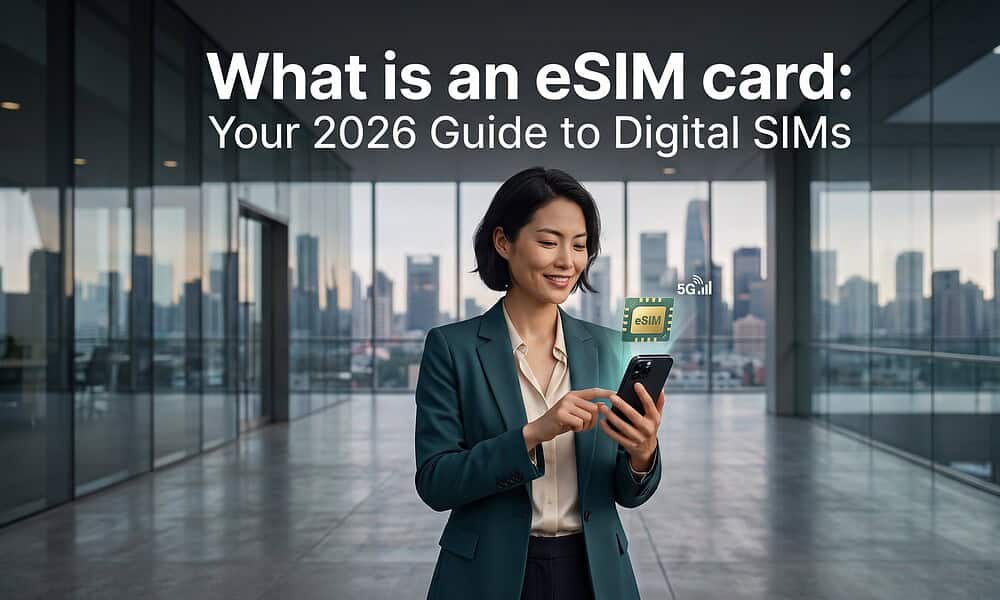
TL;DR: An eSIM is a digital SIM built into your phone. It lets you download a mobile plan, switch lines in your settings, and get online in a new country without swapping plastic cards. For digital nomads, that usually means less airport hassle, faster setup after landing, and an easier way to keep your home number active while using local or regional data.
The practical value shows up fast. You land after a long flight, your check-in details are in email, your driver is messaging on WhatsApp, and the airport Wi-Fi is unreliable or locked behind a text code you cannot receive yet.
For remote workers, eSIMs solve a real first-hour problem. You can buy a plan before the flight, activate it on arrival, and start using maps, banking alerts, and work apps in minutes. If you move between countries often, that convenience matters more than the technical definition. Remote Tribe’s guide on why eSIMs are ideal for digital nomads and global citizens makes the same point from a travel workflow angle.
They are not perfect. Some phones still do not support eSIM, some providers have stronger coverage than others, and setup can be confusing the first time. But in practice, a good eSIM provider such as Airalo or Nomad is often the fastest way to get reliable data when you are hopping between nomad hubs.
The End of Fumbling for Tiny Plastic SIM Cards
The old routine is familiar. You land in Bangkok, Lisbon, or Mexico City, open your bag, realize the SIM eject tool is in some side pocket you can’t find, then stand in line at an airport kiosk trying to compare plans you don’t fully understand.
That process is annoying on a holiday. It’s worse when you’re traveling for work and need to message a client, access a rideshare app, or get directions to a work cafe before your next call starts.
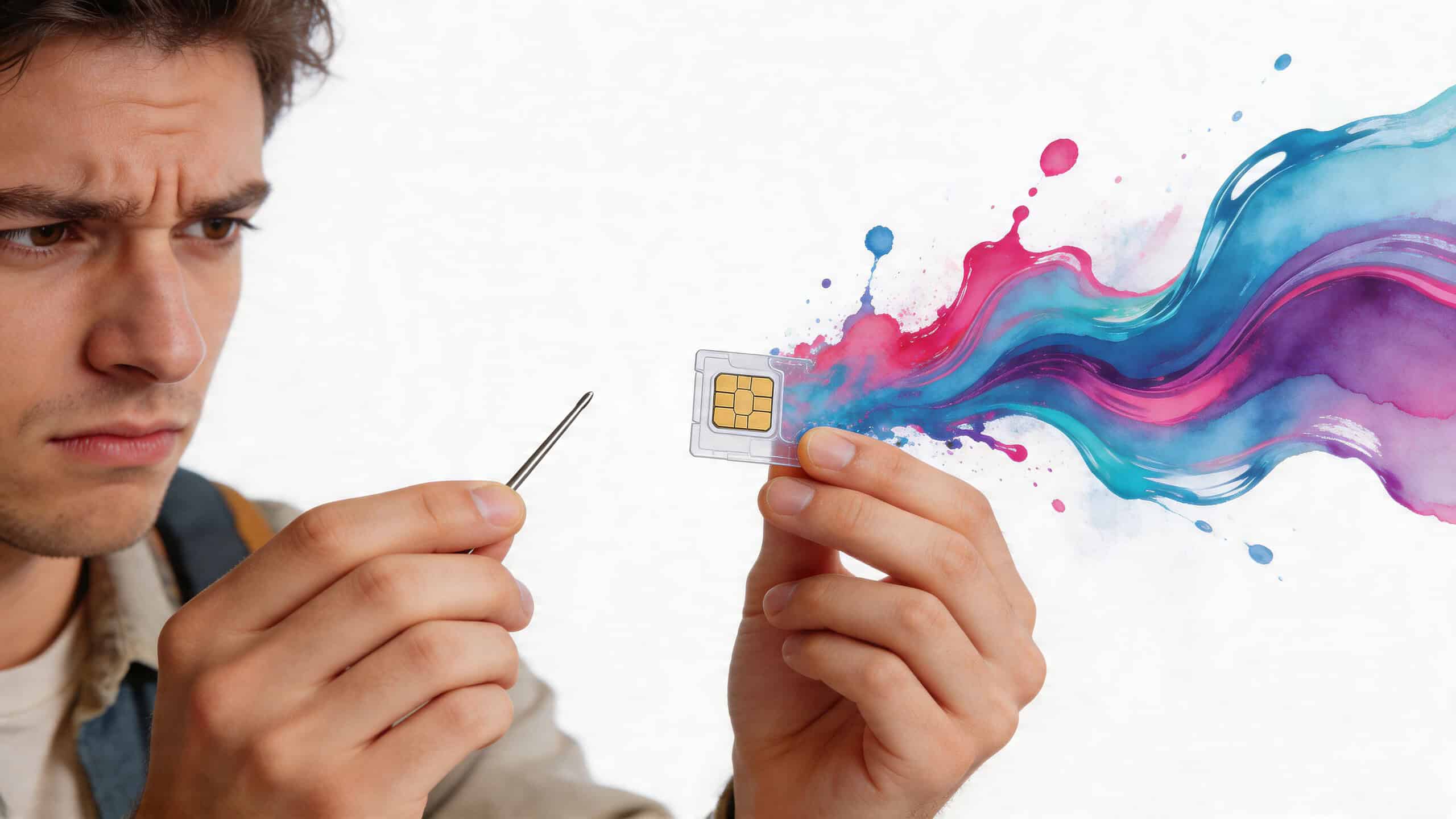
An eSIM removes most of that friction. You buy a plan online, install it through your phone settings, and switch it on when you need it. If you move often, that matters more than any glossy feature list. Remote Tribe’s guide on why eSIMs suit digital nomads and global citizens gets at the same practical point. The less time you spend fixing connectivity, the faster you settle into a new city.
The real win is your first hour after landing
For remote workers, the first hour in a new place is operational. You need maps, messages, banking alerts, and backup access for work tools. Physical SIMs slow that down because they depend on a shop, stock, paperwork, and a tiny piece of plastic that’s easy to lose.
eSIMs fit how nomads travel:
- Short stays: You can add a country or regional plan without changing your main number.
- Coliving moves: You can switch data providers when one building has weak coverage.
- Work cafe hopping: You’re not relying on public Wi-Fi for basic tasks.
- Border crossings: You can prepare before arrival instead of solving everything at the airport.
Practical rule: If you depend on your phone for work, transport, banking, and two-factor logins, treat mobile data as infrastructure, not a last-minute errand.
That’s why eSIM adoption keeps growing. Not because it sounds futuristic, but because it solves a real travel problem.
What Is an eSIM and How Does It Work
An eSIM digitizes your SIM card. Instead of inserting a plastic chip, your phone already has the SIM hardware built in, and you download a mobile plan directly to the device.
The technical term behind that is eUICC, but most travelers do not need to remember it. What matters is that your phone can hold carrier profiles in software, which means you can add, remove, and switch plans from settings instead of hunting for a SIM eject tool in your backpack.
Inside the phone, the job stays the same. A carrier still needs subscriber details to recognize your line and connect you to its network. With a physical SIM, those details live on the card. With an eSIM, they are installed as a digital profile on the embedded chip, then your phone uses that profile to register on the network.
In practice, that changes how you travel.
You can keep your home number active for calls or banking texts and add a second line for local or regional data. On a lot of recent phones, you can store several eSIM profiles and keep one or two lines active, depending on the device. That setup is useful for nomads who bounce between countries, test different carriers in weak-signal apartments, or want a backup data option before an important work call.
A few real trade-offs matter here:
- No physical swap: Nothing to insert, remove, or lose.
- Faster carrier changes: Buying a new plan usually means scanning a QR code or using an app.
- Multiple stored plans: Handy if you rotate between countries or keep a backup provider.
- Compatibility limits: Older phones, carrier-locked phones, and some budget models still cause problems.
- Provider quality still matters: An eSIM can be easy to install and still perform badly if the underlying network is weak.
That last point trips people up. An eSIM is only the delivery method. It does not guarantee strong coverage, low prices, or free roaming. I have used plans that activated in two minutes but struggled inside concrete-heavy apartments in Lisbon and parts of Bali. I have also had the opposite experience, where a slightly pricier option worked reliably enough for hotspot use and video calls.
That is why provider choice matters as much as the technology itself. Airalo is usually a good starting point for short stays because the app is simple and coverage is decent in many countries, but support can feel slow when something goes wrong. Nomad often has competitive regional pricing and a cleaner setup flow than some smaller providers, though plan value varies a lot by destination. If you want more comparisons and field notes, Remote Tribe keeps an updated collection of eSIM guides for digital nomads.
Device choice also affects the experience. If you are buying travel hardware and want eSIM support without paying flagship prices, this guide on where to buy refurbished iPhones UK is a practical place to start.
If you have ever searched for "what is a esim card," the short answer is simple. It is a SIM card built into your device and managed in software, which makes switching mobile plans much easier when you live and work across borders.
How to Install and Activate Your First eSIM
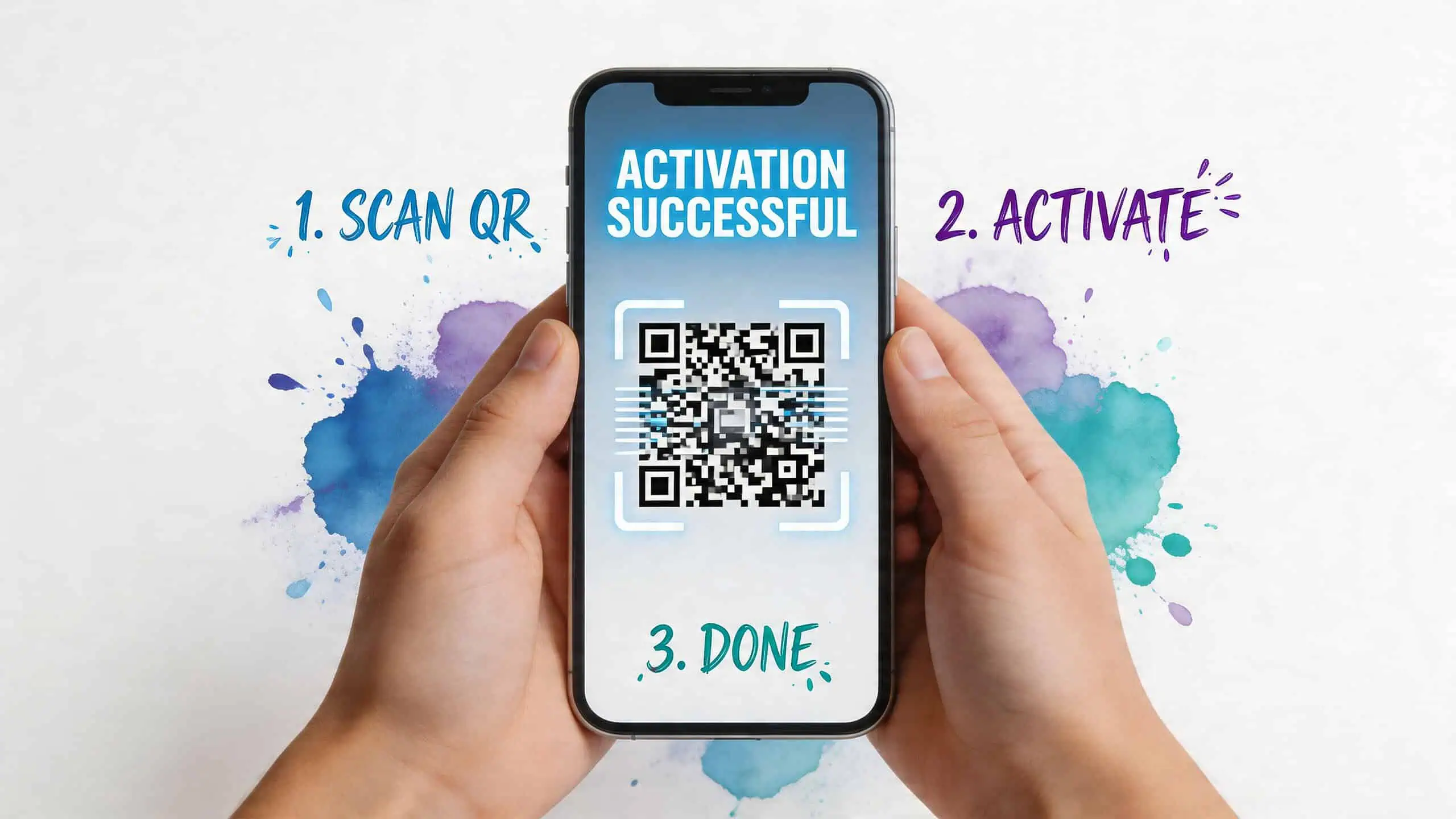
The first setup feels technical only until you do it once. After that, it becomes routine. Most travel eSIMs use a QR code activation flow, and on a good connection the whole process is quick.
Before you buy anything, check three things:
- Your phone supports eSIM.
- Your device is not carrier-restricted.
- You have stable internet during setup.
If you’re still deciding on hardware, a solid starting point is this guide on where to buy refurbished iPhones UK, especially if you want a travel-friendly iPhone without paying new-device prices.
iPhone setup
On iPhone, the usual path is:
- Open Settings
- Tap Cellular or Mobile Data
- Tap Add eSIM
- Choose Use QR Code
- Scan the code your provider emailed or showed in its app
- Follow the prompts to label the line, such as “Travel” or “Work”
- Choose which line handles data
After that, make sure the travel line is switched on and set as the data line when you want to use it.
Android setup
Android steps vary a little by brand, but the flow is similar:
- Open Settings
- Tap Network & Internet or Connections
- Tap SIMs, SIM Manager, or Mobile Network
- Choose Add eSIM
- Scan the provider QR code
- Confirm download and activation
- Set the eSIM as your preferred data line if needed
On Samsung and Pixel devices, those labels are usually close to the wording above. Some carriers or apps also give you a manual activation code if the camera scan doesn’t work.
What usually goes wrong
Most failed activations come from simple issues, not broken phones. Common causes include poor Wi-Fi, a carrier lock, or activating the plan too early without reading the provider’s timing rules.
Use this quick checklist:
- Check lock status: If your phone is locked to one network, travel eSIMs often won’t install properly.
- Read activation timing: Some plans start when installed. Others start when they first connect at destination.
- Save the QR code: Keep an offline screenshot or printed copy.
- Restart the phone: It fixes more network issues than people expect.
- Confirm APN settings: If data doesn’t work but activation succeeded, the provider may require a manual APN entry.
A visual walkthrough helps if this is your first try:
For more device and travel setup articles, Remote Tribe’s mobile hub is useful as a reference point.
Don’t delete your home SIM setup until the travel eSIM is working. That one mistake causes more stress than the installation itself.
eSIM vs Physical SIM for Global Travel
For travel, this isn’t a simple old versus new argument. eSIMs are usually easier. Physical SIMs are still more forgiving in some destinations. The smart choice depends on how you travel, how long you stay, and whether your work can tolerate downtime.
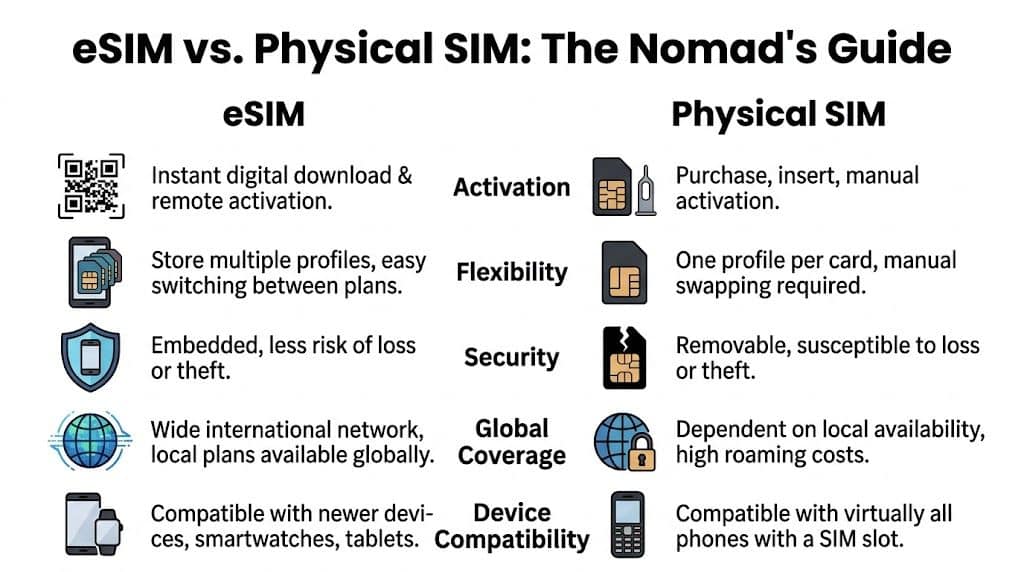
Side by side in the way nomads actually care about
| Travel factor | eSIM | Physical SIM |
|---|---|---|
| Arrival setup | Fast if bought in advance | Slower because it usually needs a shop |
| Switching countries | Easy to add new plans | Requires swapping cards |
| Keeping home number | Usually easier with dual-line setup | Can be awkward if you remove your main SIM |
| Compatibility | Strong on newer phones | Works on more devices overall |
| Backup value | Great primary option | Still useful as a fallback |
The convenience gap is real. eSIMs let you sort mobile data before you land. Physical SIMs usually force an errand into your arrival day.
But convenience isn’t everything.
Where physical SIMs still win
Some countries still make local physical SIMs more straightforward, especially if you want a local number, need long-stay value, or run into app or QR compatibility issues. In practical travel terms, that means a physical SIM can still be the safer backup in places where support is inconsistent.
That isn’t just theory. According to Saily’s eSIM explainer, eSIM adoption surged 150% in emerging markets last year, but 40% of travelers reported activation failures tied to regional QR incompatibilities in hotspots like Thailand or Mexico. The same source says this can cost 2 to 4 hours of downtime per border crossing.
Buy the convenience of eSIM, but pack the caution of a backup plan.
My rule for choosing
I’d split it like this:
- Use eSIM first if you’re moving quickly between countries, working on the road, or arriving late when local stores may be closed.
- Use physical SIM first if you’re staying longer in one country and want a local number with more traditional carrier support.
- Use both if your job can’t afford dead time.
There’s another practical edge case. Some services still insist on SMS verification tied to a local number. In those moments, tools that provide temporary phone numbers can help for certain online workflows, though I’d still keep my main accounts attached to a stable personal number wherever possible.
If you’re choosing destinations partly based on internet reliability, this article on the best and worst destinations for digital nomads by internet quality pairs well with your SIM decision. Coverage quality in the city matters just as much as the SIM format.
Benefits and Top eSIM Providers for Nomads
The biggest benefit of eSIM for nomads is simple. It lets you treat connectivity like a booking, not a chore. You can sort your data plan before landing, keep your home line intact, and switch networks without carrying a pile of tiny plastic cards.
That flexibility matters when your office changes every week. One month you’re working from a coliving in Canggu, the next from an apartment in Porto, then a work cafe in Mexico City. eSIM makes those jumps less messy.

Why data-only plans often make sense
A lot of nomads don’t need a new phone number every time they cross a border. They need reliable data for maps, Slack, WhatsApp, email, hotspotting, and video calls. That’s where many travel eSIM plans fit well.
The global eSIM market is projected to grow from USD 4.7 billion in 2023 to USD 16.3 billion by 2027, and one practical result is broader competition in data-first plans. The same source notes that 1GB of data can support over 200,000 text messages or about two hours of video calls, which is a good reminder that many remote workflows don’t need voice or SMS bundles at all, according to Scoop Market’s eSIM statistics.
Mini reviews of popular nomad options
Here’s the practical breakdown of providers digital nomads mention most often.
Airalo
Airalo is often the easiest entry point because its app is simple, country coverage is broad, and it’s straightforward for short stays. It works well for travelers who want to install once, land, and get moving.
Its weak point is that plan structures can feel fragmented if you’re crossing borders often. You need to pay attention to whether you’re buying a local, regional, or global package.
Nomad
Nomad is good for travelers who like clean plan choices and a polished buying flow. It’s a strong option if you want to compare regional plans quickly and don’t want to dig through carrier jargon.
Where it can feel less ideal is on highly specific local use cases. If you need the absolute cheapest long-stay option in one country, a local physical SIM can still beat it.
Saily
Saily gets attention from travelers who want a clean app experience and easy top-ups. It’s especially appealing if you prefer managing everything from one place instead of juggling several provider accounts.
The main caution is the same as with most travel eSIM brands. App quality doesn’t guarantee perfect local network behavior in every destination.
A good eSIM provider doesn’t just sell data. It reduces decision fatigue when you’re already dealing with flights, housing, and work.
For a broader look at plan types and travel use cases, Remote Tribe’s guide to eSIM options for international travel is worth browsing alongside provider apps. That’s also the right moment to compare your work style. Heavy hotspot user, video caller, or mostly messaging and maps. Those patterns matter more than brand hype.
Frequently Asked Questions About eSIMs
What should I do if eSIM activation fails abroad
Start with the boring checks first. Confirm your phone is not carrier-locked, connect to stable Wi-Fi, restart the device, and read the provider’s setup steps again to see whether the plan activates during installation or only after you land.
I’ve seen activation fail for simple reasons. The QR code was scanned too early, the phone was still tied to a carrier, or the traveler tried to install in an airport with weak public Wi-Fi. Keep a screenshot of the QR code and manual activation details before you fly.
If it still does not work, contact the provider from Wi-Fi before deleting anything. Deleting an eSIM too early can turn a five-minute fix into a support ticket that drags on for hours.
Can I transfer an eSIM to a new phone
Sometimes. It depends on the carrier and the provider.
Some eSIMs transfer through the app or device settings. Others need a fresh QR code or a full reissue from support. If you switch phones mid-trip, assume the move may take time and plan around that.
The safe approach is simple. Leave the old eSIM in place until calls, data, and any two-factor logins are working on the new phone.
Is an eSIM more secure than a physical SIM
It helps in one specific way. You are less likely to lose it, damage it, or hand it to the wrong kiosk clerk after a red-eye flight.
That said, format is only part of the story. Real security comes from how you set things up. Use a screen lock, store recovery codes somewhere offline, and avoid relying on a single phone number for every login if that number might go offline during travel.
Should I still carry a physical SIM
If you work online and deadlines matter, yes.
A physical SIM still earns its place as backup in countries where local carrier shops solve problems faster than chat support. It also helps if your phone glitches, your eSIM app refuses to load, or you need a cheap long-stay local plan that travel eSIM brands do not match well.
A practical setup looks like this:
- Primary line: your home number for banking, logins, and account recovery
- Travel line: an eSIM for local or regional data
- Fallback: Wi-Fi calling enabled, plus saved QR codes or activation details offline
Which eSIM plan should I buy if I cross borders often
This is the question that catches a lot of nomads. The wrong choice is usually not the provider. It is buying the wrong plan type.
If you are spending a month in one country, a local plan is often the best value. If you are bouncing between Spain, Portugal, and Morocco over two weeks, a regional plan usually saves time and avoids reinstalling service every few days. Global plans sound convenient, but they can cost more and give you less data than you expect.
Check three things before you buy: whether hotspot use is allowed, which local networks the plan uses, and whether top-ups are easy from the app. Airalo is usually good when you want broad destination coverage fast. Nomad is easier to compare if you want cleaner regional choices. For longer stays, a local carrier SIM or eSIM can still beat both on price.
Can I use an eSIM for hotspot and remote work all day
Usually yes, but do not assume every plan treats hotspot data the same way.
Some plans allow tethering freely. Others cap it, slow it down, or bury the rule in the small print. That matters if your workday depends on laptop tethering from a train, backup internet for Airbnb Wi-Fi, or video calls from a coworking space with overloaded internet.
If hotspot reliability is part of your setup, test it on day one. Open your laptop, tether for ten minutes, and check upload speed before you need it for a client call.
Remote life gets easier when your tools, destinations, and setup steps are all in one place. If you want more practical guides on eSIMs, visas, coliving, remote work gear, and location planning, browse Remote Tribe.