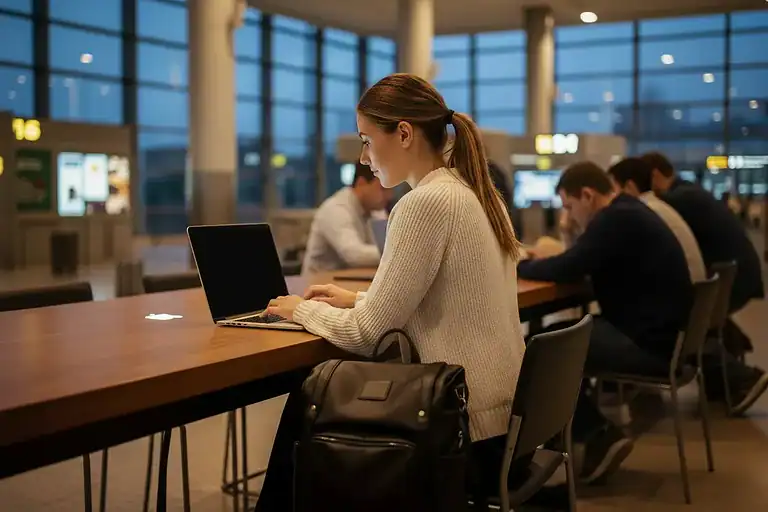
Every seasoned digital nomad has lived the scene: you’re at a gate in Singapore’s Changi Airport with two hours before boarding, your laptop is out, coffee is cooling beside you, and you’re trying to get through a client presentation before the flight. It sounds almost glamorous — and sometimes it is.
But spend enough time working from transit spaces, and you quickly learn they are not designed with productivity in mind. They are designed for movement, consumption, and waiting. Getting real work done in airports, trains, and hotel lounges requires you to actively solve a set of recurring problems that most people don’t prepare for until they’ve already lost an afternoon to them.
This article breaks down the most common challenges of working in these in-between spaces and, more importantly, gives you practical, tested fixes for each one.
The Myth of the "Anywhere Office"
The remote work revolution promised us the freedom to work from anywhere. And technically, you can. But “anywhere” and “effectively anywhere” are very different things.
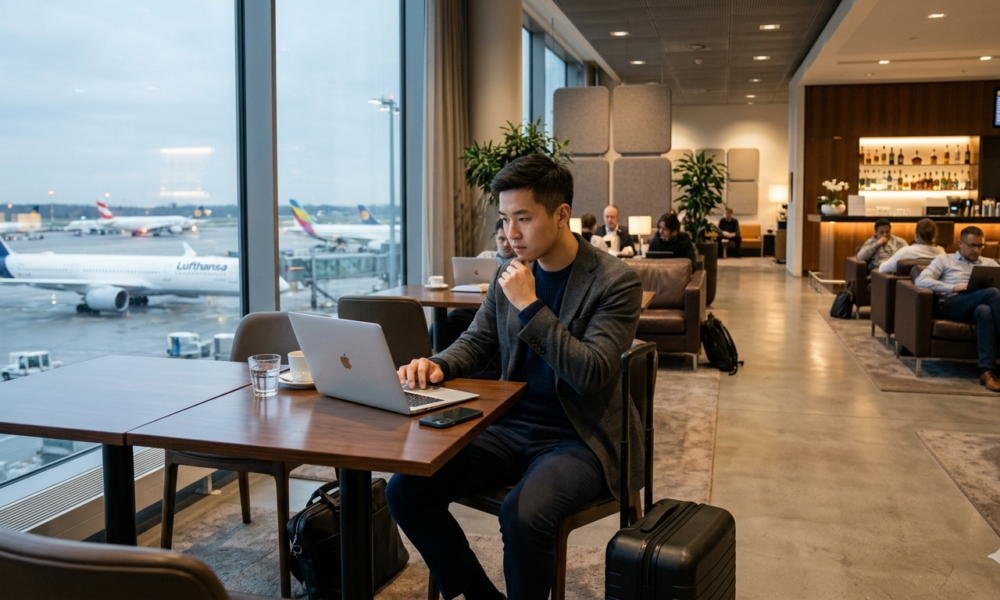
A park bench in Lisbon with no power outlet, a train in Germany with patchy mobile signal, a hotel lounge in Bangkok with a single overloaded Wi-Fi network — these are all “anywhere.” But they’re not all conducive to focus, professionalism, or productivity.
The digital nomads who make mobile working look seamless aren’t just lucky — they’re prepared. They’ve developed systems, habits, and gear setups that turn chaotic transit environments into workable ones. Here’s what those systems look like.
Challenge 1: Unreliable or Unusable Wi-Fi
This is the most talked-about problem and still the one that catches people off guard most often. Airport Wi-Fi is notoriously inconsistent — fast in one terminal, completely absent in another, and sometimes blocked from the very tools you need (VPNs, certain communication platforms, video conferencing ports).
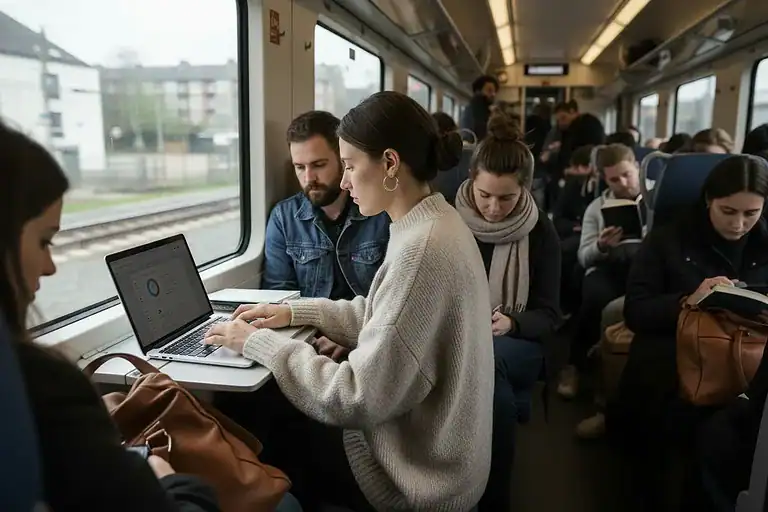
Train Wi-Fi is even less reliable. In most European and Asian rail networks, connectivity drops every time you pass through a tunnel or move between coverage zones. Hotel lounges are generally better, but “complimentary Wi-Fi” at budget properties can mean competing with every other guest for bandwidth.
How to fix it:
The single most effective solution is to stop relying on venue Wi-Fi entirely and build your own connection.
A dedicated mobile data plan with a local or international SIM — or better yet, a portable Wi-Fi router — gives you consistent, private bandwidth wherever you go. Skyroam and similar global hotspot services offer day-pass data in most countries without swapping SIMs.
For redundancy, keep mobile tethering from your phone as a backup. Most modern plans allow it, and having two independent connections means you’re never completely stranded.
If you do need to use public Wi-Fi, always connect through a VPN. NordVPN and Surfshark are popular choices among nomads for reliable performance across regions. A VPN not only secures your traffic but can also help you access tools that may be geographically restricted.
Finally, before you commit to a hotel for a stopover or transit stay, check the Wi-Fi reputation on Speedtest Global Index or search the property on Tripadvisor specifically filtering for remote worker reviews.
Challenge 2: Finding Power and Protecting Battery
Power access is the second great frustration of transit work. Gate areas in older airports often have zero power outlets. Long train journeys can drain your laptop before you arrive. Hotel lounges vary wildly — some are built with workers in mind, others have a grand total of two outlets hidden behind a couch.
How to fix it:
The foundation of your power strategy is a high-capacity USB-C power bank. Models like the Anker 737 or the INIU 25,000mAh can top up a MacBook or Windows laptop at least once or twice, which is enough for a full travel day. Carry it charged and treat it as non-negotiable gear, like your passport.
Beyond the power bank, develop a habit of charging opportunistically. Plug in at the boarding gate if you see an outlet. Charge your phone from your laptop when the laptop is plugged in. At hotels, charge everything you own the moment you arrive, not the hour before you leave.
For trains with power at every seat (most modern rail in Europe and Japan), book seats with confirmed outlet access. In the UK, for example, Eurostar standard premier seats include power at every seat — worth the upgrade on a long journey.
A USB-C multi-port charger also saves space and eliminates the scramble for multiple outlets. Charge your laptop, phone, and earbuds simultaneously from one plug.
Subscribe to our Newsletter
Get The Latest News On Digital Nomad Lifestyle, Remote Working Communities
And Much More.
100% spam free. We never share your email address. Unsubscribe anytime!
Challenge 3: Noise, Distraction, and the Open Environment Problem
Airports are among the loudest work environments on earth. Departure announcements echo overhead. Children cry. Other travelers take phone calls on speaker. The physical chaos of bags being dragged, queues forming and dissolving, and constant human movement makes sustained focus almost impossible without preparation.
Train compartments are calmer but still social. Hotel lounges can range from quiet and library-like to essentially a second lobby bar.
How to fix it:
Noise-cancelling headphones are the most straightforward investment you can make for mobile working. The Sony WH-1000XM5 and Apple AirPods Max are industry leaders, but even mid-range options like the Anker Soundcore Q45 deliver meaningful noise reduction at a fraction of the price.
What you listen to matters too. Many nomads swear by Brain.fm or tools like Noisli for focus-optimized ambient audio. Others prefer white noise or brown noise, which dampens irregular interruptions better than silence.
For your physical environment, position yourself strategically. In airports, the quietest spots are typically near the end of terminal arms (away from the central hub), business lounges if you have access, and boarding gates for routes that depart later — these areas tend to empty out early.
In hotel lounges, arrive before the morning rush (before 9am) or after it (post-11am). The mid-morning window is often the most crowded.
Challenge 4: Screen Privacy in Shared Spaces
This one doesn’t get talked about nearly enough, but it’s something every professional working in transit needs to take seriously. When you open your laptop at a crowded gate, on a train, or in a hotel lounge, your screen is visible to anyone seated or walking nearby. Confidential emails, client data, financial documents, internal strategy decks — all of it can be seen by a stranger two seats away.
This is not a theoretical concern. Visual eavesdropping (“shoulder surfing”) is a real and well-documented risk, particularly in high-traffic transit environments. For consultants, lawyers, finance professionals, founders, and anyone handling sensitive business data, the exposure is significant.
How to fix it:
The most practical solution is a privacy screen protector — a filter that limits your display’s viewing angle so only the person directly in front of the screen can see what’s on it. From the side, the screen appears dark or obscured.
For MacBook users, Clarmuse offers magnetic privacy screen protectors designed specifically for MacBook Air and MacBook Pro models. The magnetic attachment system means they’re easy to put on and take off — you’re not stuck with the filter at your home desk, you apply it when you’re in public and remove it when you’re not. The model-specific fit (they cover 13.0”, 13.3″, 13.6″, 14.2″, 15.3″, and 16.2″ MacBook models) avoids the frustrating imprecision of generic “fits most 13-inch laptops” products.
If you regularly work in transit, a privacy filter is one of those small purchases that becomes immediately indispensable. It reduces the mental load of constantly angling your screen or checking who’s nearby — and for professional contexts, it’s simply the responsible choice.
Beyond privacy filters, you can reduce exposure by being selective about where you sit. Back-to-wall seating in cafés and lounges eliminates rear viewing entirely. Corner spots in airport gate areas give you visibility of the space without exposing your screen to a crowd.
Airport chairs were designed for waiting, not for working. The fixed armrests, the low seat backs, the total absence of lumbar support — they guarantee discomfort within an hour and real pain after two. Train seats are slightly better but still not built for extended laptop use. Hotel lounges often have beautiful furniture that is terrible for posture.
The consequences accumulate. Neck pain, wrist strain, lower back tension — these are the long-term cost of working from uncomfortable surfaces without preparation.
How to fix it:
The minimum effective kit for transit ergonomics is a laptop stand and a compact wireless keyboard. A stand like the Nexstand K2 or the Roost folds small enough to fit in any bag and raises your screen to eye level, which immediately reduces neck strain. Paired with a Bluetooth keyboard and mouse (the Logitech MX Keys Mini is excellent), you can create a proper typing setup from almost any surface.
For seating situations you can’t control, a small inflatable lumbar cushion takes up almost no bag space and makes a genuine difference on long journeys. You can find reliable options from brands like LumbarMax at very low cost.
Build micro-break habits too. Set a timer every 45–50 minutes to stand, walk, and decompress your spine. In airports, this is easy — use the time to explore the terminal. On trains, a walk to the dining car counts.
Challenge 6: Time Zone and Meeting Confusion
Working across borders means your calendar becomes a minefield. A client call booked for “10am” might be ambiguous when you’re in transit between Tokyo and Dubai. Scheduled meetings get missed. Deadlines get confused. And the combination of jet lag with cognitive load from travel means even experienced nomads make calendar errors.
How to fix it:
Use a world clock app as standard — Time Zone Pro or simply the built-in world clock in iOS/Android keeps multiple time zones visible at a glance.
The deeper fix is communication. Before any transit-heavy week, let clients and collaborators know you’ll be traveling and confirm all meeting times in both your current timezone and theirs, written explicitly in the calendar invite. It takes 30 seconds and prevents a lot of awkwardness.
Tools like Calendly and World Time Buddy make scheduling across time zones dramatically simpler. If you’re the one organizing meetings, use them to eliminate back-and-forth. If clients are scheduling you, make sure your Calendly is set to their timezone as the reference point.
For deeper work that requires full concentration, protect transit time for asynchronous tasks. Use train journeys and gate waits for writing, reviewing, planning, and editing — things that don’t require you to be present and connected in real time.
Challenge 7: Maintaining Routines and Mental Energy
Long-haul travel depletes you in ways that don’t always surface immediately. Jet lag, disrupted sleep, unfamiliar food, the ambient stress of navigating foreign transit systems — all of it erodes the baseline mental clarity that good work requires.
Digital nomads who treat every transit day as just another workday burn out faster than those who acknowledge travel has a cost.
How to fix it:
Accept that travel days are half-days. On days where you’re in airports or trains for six-plus hours, plan for reduced output and prioritize tasks accordingly. Use those windows for lower-stakes work — email triage, reading, planning — and save deep work for when you’re settled.
Protect sleep aggressively. A travel eye mask, foam earplugs, and melatonin are inexpensive and make a real difference on overnight flights or after arrivals that disrupt your normal schedule.
Hydration is consistently underestimated. Airplane cabins are famously dehydrating, and cognitive performance tracks closely with hydration levels. Carry an empty water bottle through security and fill it before your gate. Avoid alcohol and limit caffeine on travel days.
Finally, maintain at least one anchor routine — a consistent morning practice, a short exercise habit, a journaling ritual — that gives you a sense of stability even when everything else is in flux. Nomads who maintain small rituals tend to sustain performance much better over long trips.
Building Your Transit Work System
he challenges above don’t disappear — but they become manageable when you treat transit work as a discipline with its own practices, rather than hoping each environment is magically productive.
Your transit work system should include:
Connectivity: Personal mobile data, VPN, backup tethering.
Power: High-capacity power bank, multi-port charger, strategic charging habits.
Most of this gear fits into a small pouch inside your main bag. Most of these habits take a few trips to build and then become automatic.
Final Thought
Working from airports, trains, and hotel lounges is never going to be as comfortable as a dedicated workspace. That’s not the goal. The goal is to make it good enough — consistently reliable enough that you can deliver on your commitments, protect your clients’ data, and arrive at your destination without feeling like the journey ate you alive.
Get the system right, and those in-between spaces become something genuinely useful: focused time that moves your work forward, somewhere between here and wherever you’re going next.
If you want to become a digital nomad or find your crew, sign up for our free newsletter and get upcoming articles straight to your inbox!
We’ve got some great content on our Instagram and on our Facebook Group too where you can network with other nomads from all over the world.
Your Travel Resources Handy In One Place 🗺️
🧳 Travel Insurance
Enjoy peace of mind during traveling and don’t leave your country without good travel insurance. We recommend Insured Nomads or Genki for international travel insurance.
💰Travel Finances
Get your travel finances smart and straight with Wise or Revolut.
🏨 Accommodations
For a short stay check out Booking or Agoda. Staying longer? Take a look at the offers at Airbnb. Hostels are the cheapest option that you can explore at Hostelworld.
🏡 Recommended places for long-term stay
Wanna know the accommodations where we lived during our digital nomad journey? Check out the places we enjoyed the most!
🎫 Book tours
Are you up for taking part in epic guided tours? Book ones you like using GetYourGuide or Viator.
🚗 Rent a car
To find great rental car deals check out Rental Cars and get ready for your car trip!
Andrew Williams is the Founder of Remote Tribelife, an online magazine for digital nomads and remote working. Andrew has an extensive background in SEO and content marketing. His experience with digital marketing goes back to his early age in University when he founded a blog about startups and funding. He does his best writing in the coffee shops in Bali or in the condos of busy cities like Bangkok and Singapore. He is currently based in Singapore. You can connect with Andrew on his Linkedin profile and/or follow Remote Tribelife on Instagram.















[…] The Real Challenges of Working From Airports, Trains, and Hotel Lounges — and How to Fix Them […]
[…] The Real Challenges of Working From Airports, Trains, and Hotel Lounges — and How to Fix Them […]